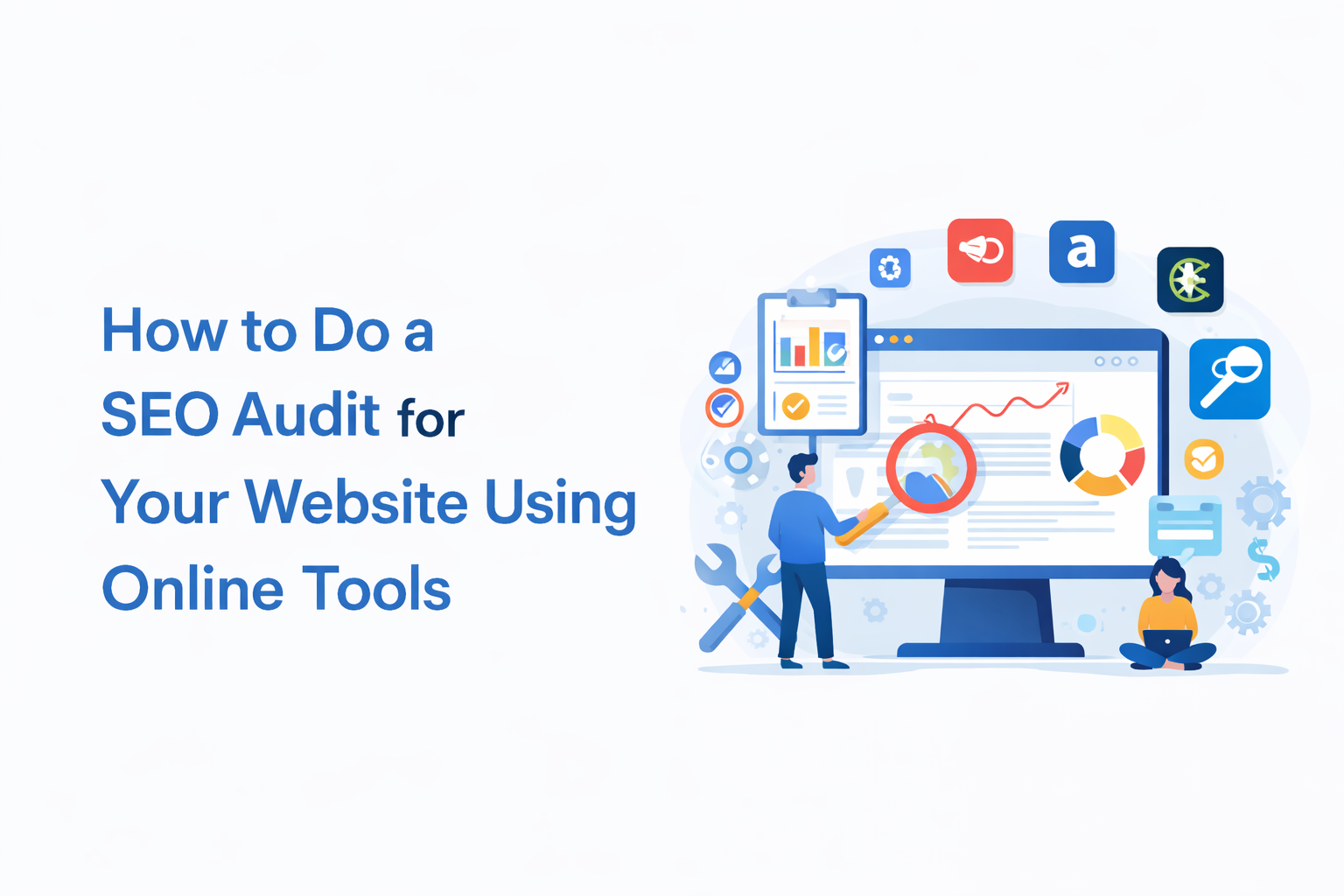
An SEO audit is the process of analyzing your website to identify issues that may be affecting its visibility in search engines. It helps you understand why your website may not be ranking well and what improvements are needed to increase organic traffic.
For businesses and website owners, performing a regular SEO audit is essential. Search engines constantly update their algorithms, and websites must adapt to maintain strong rankings. The good news is that many online tools can help you audit your website without needing advanced technical knowledge.
However, one important thing to understand is that tools alone do not fix SEO. They only highlight issues. The real value comes from understanding which issues actually matter and which ones can be ignored.
Understand the Purpose of an SEO Audit
Before starting an audit, it is important to understand what you are looking for. An SEO audit is not just about finding errors. It is about identifying what is stopping your website from performing better.
A complete audit usually covers areas like technical SEO, content quality, performance, and backlinks. But not every issue has the same impact.
For example, a missing meta description may not affect rankings significantly, while poor content or weak internal linking can have a much bigger impact. This is where most people make mistakes. They try to fix everything instead of focusing on what actually improves performance.
Check Website Indexing Status
The first step in an SEO audit is verifying whether your website pages are properly indexed by Google. If your pages are not indexed, they will not appear in search results at all.
You can check this by searching:
site:yourdomain.com
This gives you a quick view of which pages are visible to Google. If important pages are missing, it usually indicates deeper issues.
Common reasons include:
- Blocked pages in robots.txt
- Incorrect noindex tags
- Weak internal linking
To understand this better, you should use Google Search Console. It shows which pages are indexed, which are excluded, and why certain pages are not appearing in search results.
Analyze Website Technical Health
Technical SEO ensures that search engines can properly crawl and understand your website. Tools can scan your website and show multiple issues, but it is important not to treat every issue equally.
Tools like Screaming Frog or SEMrush can highlight:
- Broken links
- Duplicate titles and meta descriptions
- Redirect issues
- Missing alt text
While these are useful insights, not all of them directly impact rankings. For example, a few missing alt tags may not harm performance, but crawl errors or broken internal links can create serious problems.
The focus should always be on fixing issues that affect crawlability and user experience first.
Check Website Speed and Performance
Website speed plays an important role in both rankings and user experience. A slow website not only affects SEO but also increases bounce rate and reduces conversions.
You can use tools like Google PageSpeed Insights or GTmetrix to evaluate performance. These tools provide suggestions such as improving image size, reducing scripts, and optimizing server response.
However, it is important to understand that not every recommendation needs to be implemented. Many websites chase perfect scores, but in reality, a fast and stable website matters more than a perfect technical score.
Evaluate On-Page SEO Elements
On-page SEO focuses on how well your individual pages are optimized for both users and search engines.
This includes elements like title tags, meta descriptions, heading structure, and keyword usage. While tools can help analyze these elements, they often focus only on keyword presence rather than actual content quality.
A well-optimized page should clearly explain the topic, answer user intent, and provide structured information.
Instead of forcing keywords, focus on clarity. If your content naturally answers the user’s query, it will perform better over time.
Review Mobile Friendliness
Mobile experience is no longer optional. Most users access websites through mobile devices, and search engines prioritize mobile-friendly pages.
A good mobile experience is not just about responsive design. It also includes readability, navigation, and how easily users can interact with your website.
Common issues to watch for include small fonts, closely placed buttons, and slow loading on mobile networks. These small details can affect both rankings and user engagement.
Audit Your Backlink Profile
Backlinks are still a strong ranking factor, but their quality matters more than quantity.
Tools like Ahrefs or Moz can help you analyze your backlinks, but the key is to understand the difference between strong and weak links.
High-quality backlinks usually come from relevant and trustworthy websites. On the other hand, links from random directories, spammy blogs, or unrelated sites can reduce your credibility.
One common mistake is focusing only on building more links instead of improving link quality. A few strong backlinks are often more effective than a large number of weak ones.
Evaluate Content Quality (Most Important Step)
Content is often the biggest reason why websites fail to rank, even when technical SEO is strong.
During an audit, you should not just check keywords. You should evaluate whether your content actually helps the user.
Ask yourself:
- Does the content clearly answer the user’s query?
- Is the information detailed and useful?
- Is it better than what competitors are offering?
Many websites publish multiple pages targeting similar keywords without adding new value. This leads to thin or repetitive content, which is often affected by updates.
Improving content quality is one of the most effective ways to recover and grow rankings.
Common Mistakes People Make During SEO Audits
Many website owners rely heavily on tools but misunderstand their purpose. Tools are helpful, but they often highlight too many issues, which can be overwhelming.
- Trying to fix every issue shown in tools
- Ignoring search intent and focusing only on keywords
- Creating pages just to target keywords without adding value
- Relying on low-quality backlinks for quick results
Avoiding these mistakes can make your SEO efforts more focused and effective.
Analyze Competitor SEO Strategies
A good SEO audit is not complete without understanding what your competitors are doing.
Tools can show which keywords they rank for, which pages perform well, and where their backlinks come from. But instead of copying competitors, try to understand why their content works.
Look at how they structure their pages, how detailed their content is, and how they address user intent. This can give you practical ideas to improve your own website.
Monitor Results and Keep Improving
SEO is not a one-time process. Even after fixing issues, your website needs regular monitoring.
Track changes in rankings, traffic, and user behaviour. This helps you understand what is working and what needs improvement.
Over time, small improvements create a bigger impact. Consistency matters more than quick fixes.
Final Thoughts
Performing an SEO audit using online tools is a practical way to identify issues and improve your website’s performance. However, tools alone are not enough.
The real impact comes from understanding which changes actually matter and focusing on user experience, content quality, and long-term strategy.
Instead of chasing every technical score, focus on building a website that genuinely helps users. When your website aligns with what users are looking for, search engines naturally start rewarding it.